Actions
roos-fs tasks #532
open

(BUG) PDF export of completed services fails with 504 Gateway Timeout
Start date:
10/13/2025
Due date:
% Done:
0%
Estimated time:
Description
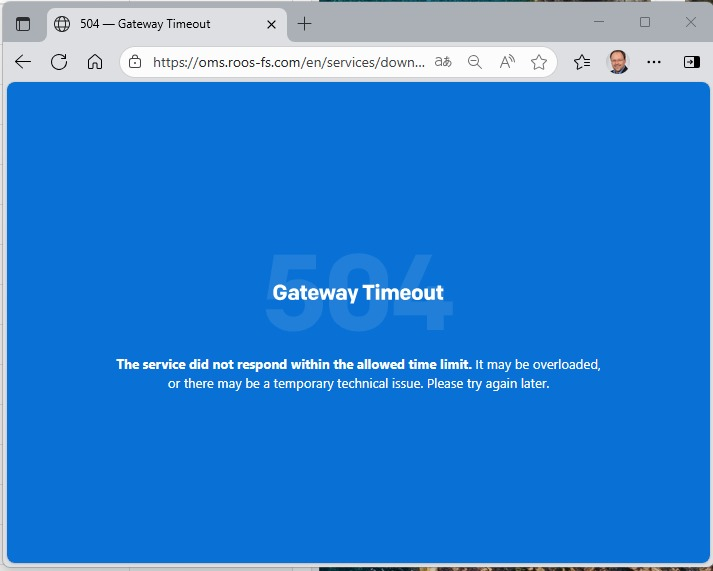
A user reported an issue where generating a PDF export of completed services results in a 504 Gateway Timeout error. The issue occurs when attempting to export a large dataset for an extended time range.
Steps to Reproduce:
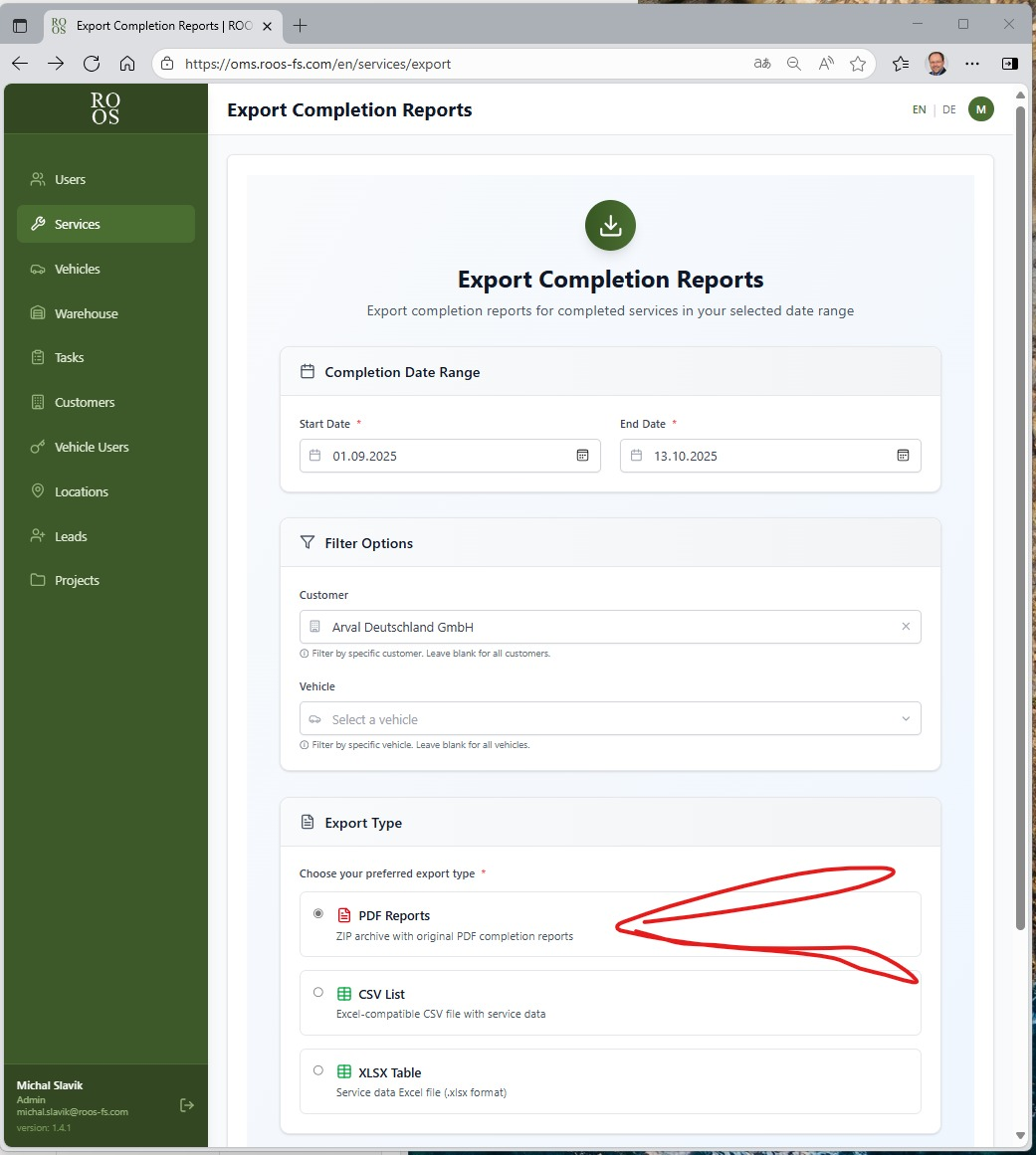
- Navigate to Services.
- Click on Export Services.
- Select a time range (e.g., 1st September – 13th October).
- Click PDF export.
- Observe the result — the system returns a 504 Gateway Timeout error.
Observed behavior:
- The export request times out when generating a large PDF file.
- Other export formats (e.g., Excel) work correctly, even for large queries.
- The issue appears to be related to query size or PDF generation time.
Expected behavior:
- Large data exports (including PDF format) should complete successfully without timeout errors.
- The system should be able to handle large queries efficiently — possibly by optimizing the generation process, implementing asynchronous exports, or introducing background job processing.
Files
 Updated by Vadim Pariev 8 months ago
- Status changed from Backlog to Open
- Assignee set to Vadim Pariev
Updated by Vadim Pariev 8 months ago
- Assignee changed from Vadim Pariev to Anton Obolientsev
 Updated by Anton Obolientsev 8 months ago
- Status changed from Open to In progress
Updated by Anton Obolientsev 8 months ago
- Status changed from In progress to Deployed (QA)
 Updated by Olena Tretjakova 8 months ago
- Status changed from Deployed (QA) to Ready for Deployment (prod)
Environment: Staging.
Steps to Reproduce:
- Create 'large' task template with 12 information fields.https://screenrec.com/share/Z5F2YDmbWM
- Create the 'Test 10/16(3)' Service with 10 'large' tasks. https://screenrec.com/share/u30mZRsNWG
- Complete the 'Test 10/16(3)' Service. https://screenrec.com/share/SH5tWPnFaj
- Open the 'Services' page. Click on the 'Export Completion Reports' button.
- The report is downloaded (5.58 Mb). https://screenrec.com/share/nbrO7d3XPV
Expected Result:
A big report can be downloaded from system to computer.
Actual Result:
The Report 5.58 Mb was downloaded to computer.
Updated by Vadim Pariev 8 months ago
- Status changed from Ready for Deployment (prod) to Closed
 Updated by Albert Katasonov about 2 months ago
- Project changed from 8 to Roos-fs-ZIP
Actions