roos-fs tasks #822
open

(BUG) Images in Created Documents Stop Loading/do not load After Some Time
0%
Description
Summary
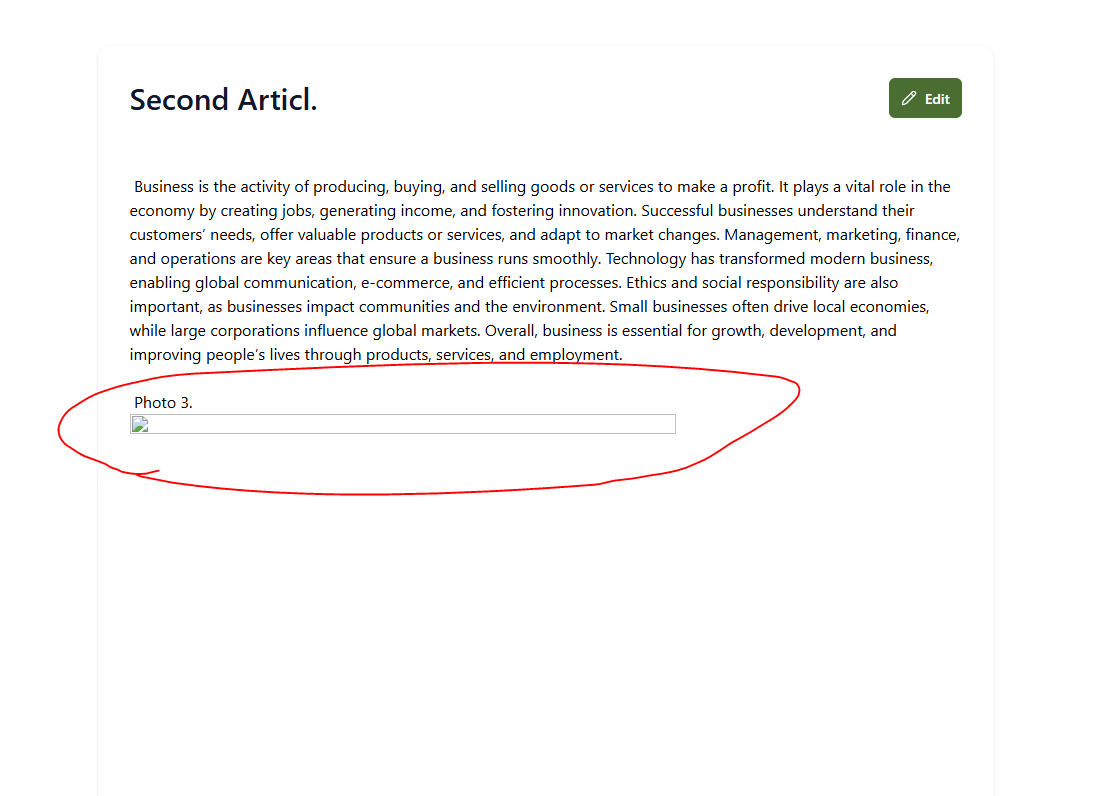
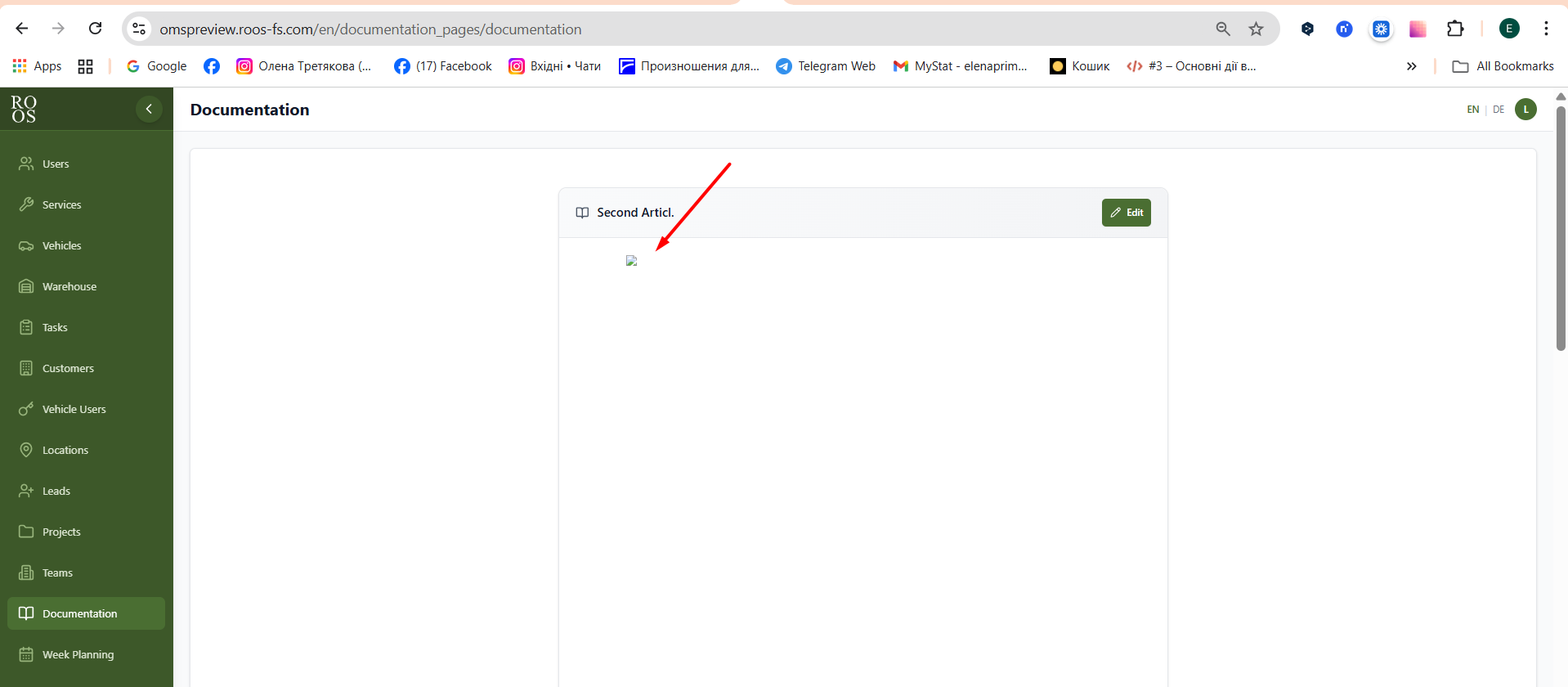
When a document is created and contains embedded pictures, the images fail to load after some time. Instead of displaying the picture, the document shows a broken image placeholder.
Steps to Reproduce
- Create a document in the system.
- Upload or insert pictures inside the document.
- Save the document.
- Reopen it after 5 minutes.
- Images no longer load.
Expected Behavior
Images inside documents should always load correctly, regardless of how much time has passed.
NOTES
Update document rendering to load images directly from S3.S3 is to be user when working on the task
Files
 Updated by Ivan Danyliv 7 months ago
- Status changed from In progress to In review
 Updated by Alex Katasonov 7 months ago
- Status changed from In review to Deployed (QA)
Updated by Alex Katasonov 7 months ago
- Assignee changed from Ivan Danyliv to Olena Tretjakova
 Updated by Olena Tretjakova 6 months ago
- Status changed from Deployed (QA) to Ready for Deployment (prod)
- Assignee changed from Olena Tretjakova to Vadim Pariev
Environment: Staging.
Actual Result:
All acceptance criteria have been met. The downloaded photo loads correctly the next day. The photo was downloaded at 12/08/2025 today is 12/09/2025. https://screenrec.com/share/89lnQOETj5
 Updated by Vadim Pariev 6 months ago
- Assignee changed from Vadim Pariev to Ivan Danyliv
non cosisten design with the existing implimentation.
see screens in the ticket, the Input, background, icon, please return to the intiail state.
Updated by Vadim Pariev 6 months ago
- Status changed from Ready for Deployment (prod) to Open
Updated by Ivan Danyliv 6 months ago
- Status changed from In progress to In review
Updated by Alex Katasonov 6 months ago
- Status changed from In review to Deployed (QA)
Updated by Alex Katasonov 6 months ago
- Assignee changed from Ivan Danyliv to Olena Tretjakova
Updated by Olena Tretjakova 6 months ago
- Status changed from Deployed (QA) to QA Failed
- Assignee changed from Olena Tretjakova to Ivan Danyliv
Environment: Staging.
Actual Result:
- The Title input field does not have the same height, border radius, and text padding as on other pages.
- The photo added to the ‘Documentation’ page disappears after the user logs out and logs in as another user.
- The ‘Edit’ button has the same size and icon as on other pages.
Updated by Ivan Danyliv 6 months ago
- Status changed from QA Failed to In progress
Updated by Ivan Danyliv 6 months ago
- Status changed from In progress to In review
Updated by Ivan Danyliv 6 months ago
- Status changed from In review to In progress
Updated by Ivan Danyliv 6 months ago
- Status changed from In progress to In review
 Updated by Danyl Kozub 6 months ago
- Status changed from In review to Deployed (QA)
- Assignee changed from Ivan Danyliv to Olena Tretjakova
Updated by Vadim Pariev 6 months ago
- Status changed from Ready for Deployment (prod) to Deployed (QA)
Updated by Olena Tretjakova 5 months ago
- File doc.png doc.png added
- Status changed from Deployed (QA) to QA Failed
- Assignee changed from Vadim Pariev to Ivan Danyliv
Environment: Staging.
Actual Result: Clearing cached images and files in the browser causes images in the Documentation tab to disappear.
Updated by Ivan Danyliv 5 months ago
- Status changed from QA Failed to In progress
Updated by Ivan Danyliv 5 months ago
- Status changed from In progress to In review
Updated by Ivan Danyliv 5 months ago
- Status changed from In review to Deployed (QA)
Updated by Ivan Danyliv 5 months ago
- Assignee changed from Ivan Danyliv to Olena Tretjakova
Updated by Olena Tretjakova 5 months ago
- Status changed from Deployed (QA) to Ready for Deployment (prod)
- Assignee changed from Olena Tretjakova to Vadim Pariev
Environment: Staging
Actual Result:
All acceptance criteria have been met.
The photo is displayed after logging in as another user and after clearing the cache.
Updated by Vadim Pariev 5 months ago
- Status changed from Ready for Deployment (prod) to Closed
 Updated by Albert Katasonov about 2 months ago
- Project changed from 8 to Roos-fs-ZIP